
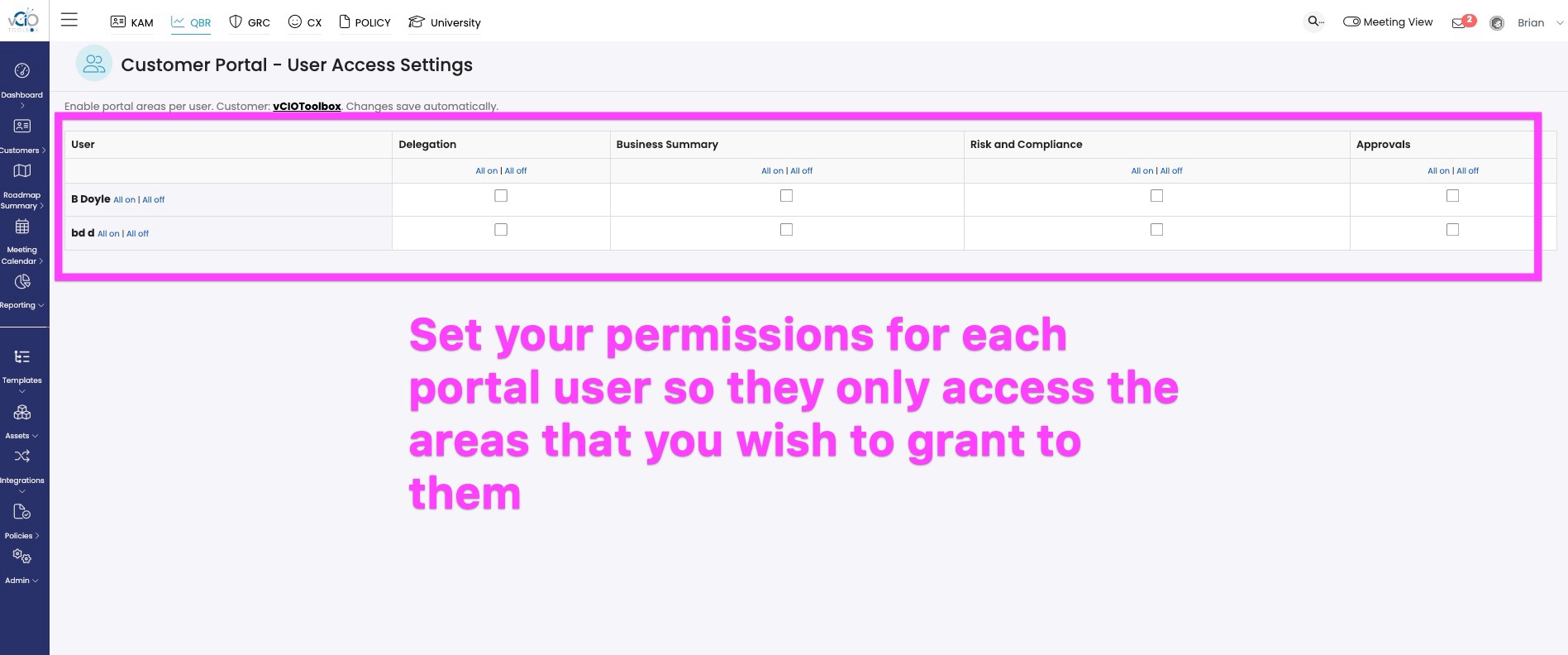
After you invite a user to the portal, you can set permissions for each user, controlling what they can access. In the current version of the portal, there are four areas of access.
- GRC | Security and Compliance Summary
- QBR | Business Summary
- GRC | Delegate Access
- GRC | (Policy) Approvals
When you set up a user, they will have access to the entire portal by default.
To set your user permissions, follow the steps below.
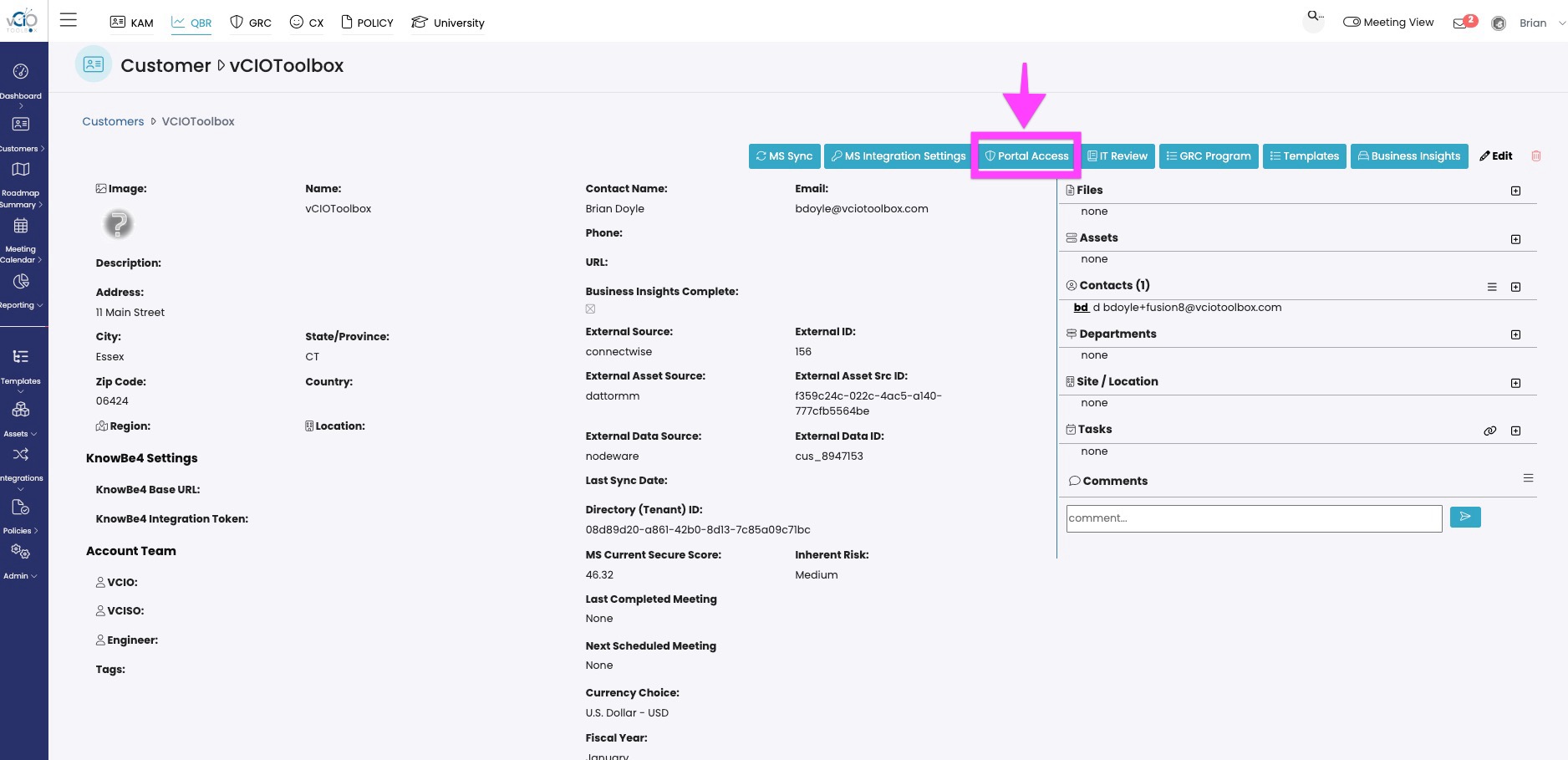
1. From within any module (QBR, GRC, KAM, or CX), navigate to your Customer Record and click the link to get to the properties page. Click Portal Access to enter the access control panel.
2 Set your Customer Portal access for each user within the access control panel.
3. When your user logs in they will only have access to the sections that they are assigned.
If you have any questions, please reach out to support@vciotoolbox.com.